Device Identity for ChromeOS
Smallstep adds unphishable, device-bound credentials to ChromeOS, securing Enterprise Wi-Fi, VPN, SaaS apps, and access to internal AI and MCP-enabled services using verified device identity.


 Easy revocation for Chromebooks
 ChromeOS native hardware attestation
 Zero-Touch ChromeOS Certificate Lifecycle
 Eliminate ChromeOS Credential Theft
 Google Workspace Integrated Enrollment
 Strong Access Controls for Wi-Fi, VPN, and SaaS
The Enterprise Challenge
ChromeOS is fantastic for the web—but most enterprises still authenticate Chromebooks like any other browser: passwords, cookies, and device IDs that can be spoofed. That leaves critical networks and apps exposed to credential theft and unmanaged devices.
- Credential Theft & Device Spoofing
- Weak Network & App Controls
- No Unified Device Trust Model

Hardware-bound Credentials
Smallstep adds device-attested certificates for devices to your existing identity stack. Chromebooks prove who they are using TPM-bound certificates, not reusable secrets, enhancing security and compliance.

Trustworthy Device Inventory
Maintain a verified list of ChromeOS devices synced from Google Workspace, enriched with TPM attestation signals and user bindings so you always know which physical device is behind each connection.
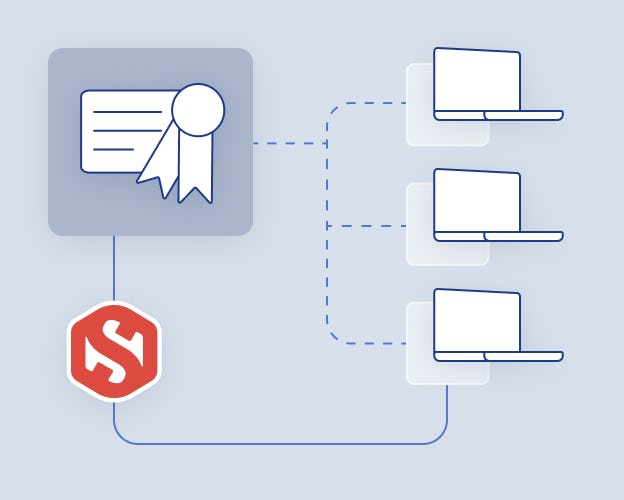
Hardware-Bound Certificates
Issue non-exportable client certificates tied to the Chromebook’s TPM. Keys never leave the device, cannot be cloned, and are automatically renewed before expiry with no user interaction.

Sensitive Resource Protection
When the user connects to a sensitive resource, Smallstep acts as an invisible second factor. Authentication is seamless. Enforce that only high-assurance ChromeOS devices can reach: enterprise Wi-Fi (EAP-TLS), VPN, ZTNA, internal web apps, cloud APIs, and SaaS apps fronted by mTLS or device-aware SSO.

Get the data sheet
Learn more about Smallstep's hardware-backed device identity for the Chrome ecosystem.

Certify every ChromeOS device. Remove every weak link.
Deploy attested ChromeOS identity once and enforce it everywhere. No passwords, no tokens, no device spoofing—just strong, silent, TPM-bound trust.