Register for part 2 of our Device Identity Webinar Series!

Secure sensitive resources from unauthorized Windows devices

Microsoft Intune manages Windows fleets, but enrollment does not prove device authenticity. Smallstep integrates with Intune to verify Windows hardware and restrict access to critical resources, including internal AI tools, copilots, and MCP-enabled services, to hardware-attested devices only.

Book a demo
background gradientbackground texture

Trusted by

Privileged Access Workflows

Only issue credentials to verified Windows devices

Smallstep checks every certificate request against your Intune inventory, blocking unrecognized Windows devices from obtaining credentials. This prevents personal, compromised, or rogue machines from accessing sensitive systems using stolen or shared credentials.

Eliminate static secrets

Eliminate static secrets

Traditional Windows deployments have relied on vulnerable static SCEP passwords. Smallstep upgrades Windows enrollment security with ACME Device Attestation, issuing hardware-bound, non-exportable credentials. For legacy hardware, Dynamic SCEP enables a smooth migration to secure certificate-based Wi-Fi and VPN authentication.
Zero-touch device configuration

Zero-touch device configuration

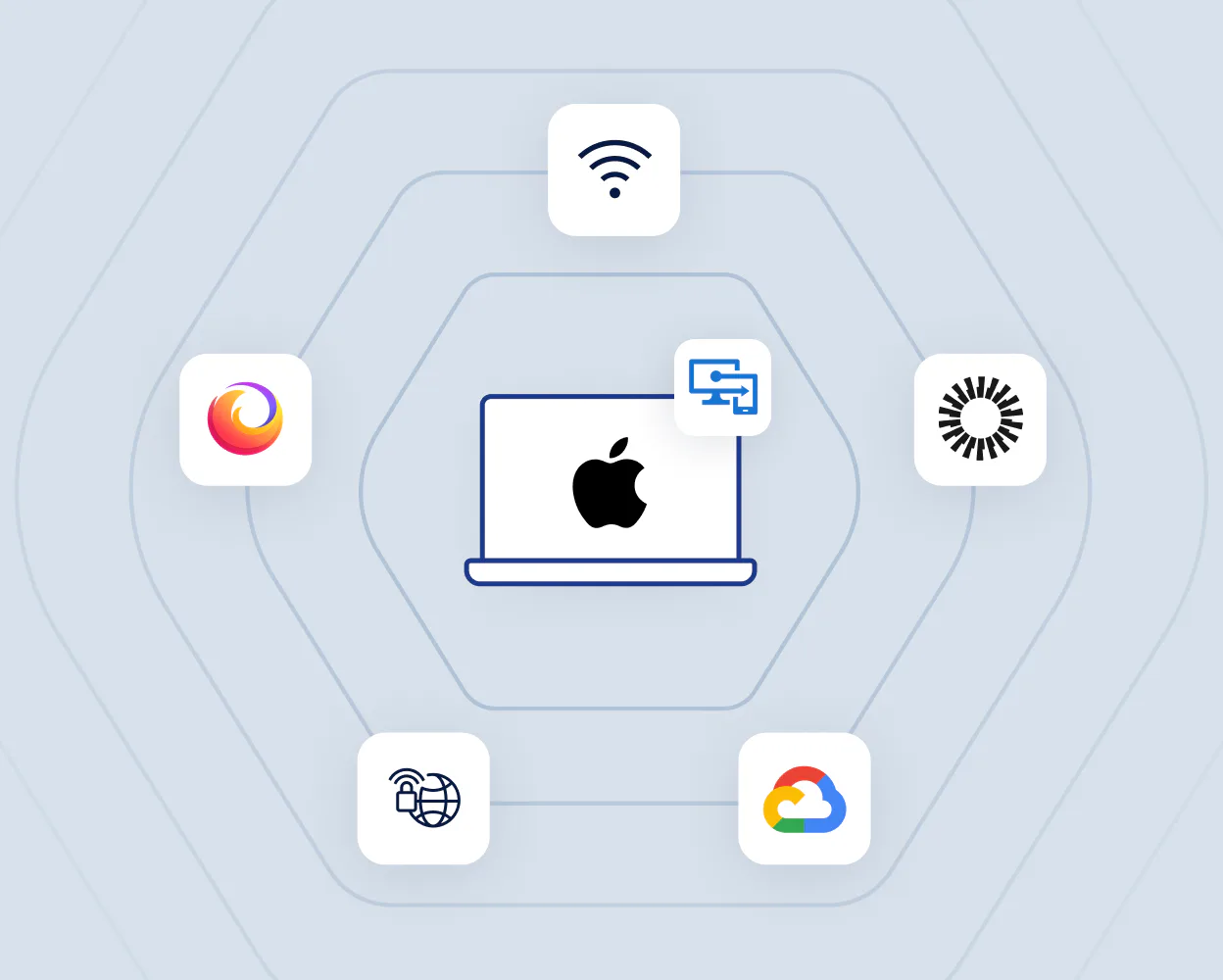
Smallstep automatically deploys secure configuration profiles and credentials for Wi-Fi, VPN, and SaaS apps to all verified Windows devices. Streamline enrollment, eliminate manual steps, and ensure robust, error-free security across your Windows fleet.

Easy certificate lifecycle maintenance

Hands-free certificate management

Say goodbye to manual certificate renewals and revocation hassles. Smallstep proactively monitors each certificate’s lifecycle, renewing credentials before they expire and revoking access if a device is off-boarded or compromised. This reduces admin workload, prevents human errors, and keeps your device inventory up to date.

Multi-OS certificate deployment including Windows Intune, Apple MDM, and Linux management

Unified security beyond Windows

Smallstep goes beyond Windows, seamlessly extending centralized, high-assurance device identity to macOS, Linux, and cloud environments. Whether you're using Intune, Jamf, or another MDM, Smallstep provides unified control and security across your entire device fleet.
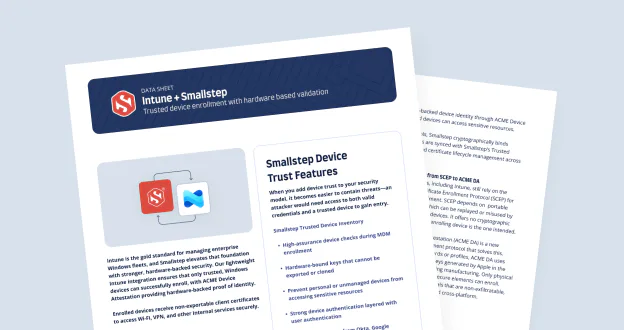
Intune + Smallstep

Get the data sheet

When Smallstep is added to Intune, a device's hardware identity becomes an authentication factor. Instead of relying solely on shared secrets and user credentials, Smallstep silently verifies device trust —blocking unauthorized machines without adding friction for users.

Download
background gradient

Leading the industry in Zero Trust for devices

Empower your teams to work at the pace and scale of modern engineering.

Book a demo

FAQs Smallstep for Windows + Intune

Intune can deploy configuration profiles, enforce compliance rules, and deliver SCEP payloads, but it cannot cryptographically prove device identity. It cannot verify that a certificate request actually originated from the genuine, enrolled Windows device. This creates structural gaps, including SCEP profile theft or replay, spoofed device enrollment, stolen Wi-Fi or VPN configurations reused on unmanaged hardware, SaaS and SSO access from personal Windows machines, and weak or nonexistent hardware-rooted device trust.

Smallstep closes this gap by adding TPM-backed device attestation. It generates hardware-bound, non-exportable private keys, produces TPM-certified proof that the device is real, and issues short-lived device certificates that require continuous re-attestation. This enables Zero Trust enforcement across Wi-Fi, VPN, SSH, ZTNA, SSO, and workloads. Intune configures the device; Smallstep proves the device is legitimate.

On Windows 10 and 11 Pro or Enterprise systems with TPM 2.0, Smallstep creates a hardware-bound Attestation Key inside the TPM and validates the device’s platform identity using TPM Endorsement Key certificates. It generates a non-exportable private key, produces attestation evidence proving key provenance, and issues a short-lived, hardware-attested device certificate.

This ensures that device identity cannot be cloned or exported, private keys cannot be stolen, and virtual machine clones cannot impersonate physical devices. Trust is anchored to real hardware rather than software claims or enrollment artifacts.

Smallstep supports multiple enrollment routes to fit different assurance requirements. Dynamic SCEP is available for compatibility with legacy profiles, but it remains vulnerable to SCEP replay and static challenge leakage and is therefore recommended only for low-assurance use cases where hardware proof is not required.

For high-assurance environments, Smallstep supports ACME Device Attestation, which uses TPM-backed attestation instead of passwords, prevents profile theft or cloning, and is recommended for Wi-Fi, VPN, SSO, SSH, and ZTNA. Intune-delivered OMA-URI or Win32 agent deployment installs the Smallstep Agent, enabling full TPM attestation and automated certificate lifecycle management. Smallstep integrates cleanly into modern, cloud-native Intune workflows.

Without Smallstep, EAP-TLS on Windows typically depends on SCEP with static challenges, long-lived certificates, weak device identity guarantees, and manual root certificate installation. This model makes it difficult to prove that a certificate request actually came from a legitimate, enrolled device and increases the risk of credential reuse or replay.

Smallstep replaces this with TPM-backed, non-exportable private keys and short-lived EAP-TLS certificates, integrated with hosted or on-prem RADIUS infrastructure. Certificate renewal is gated by policy, including posture, inventory, and attestation checks, and profiles can be deployed automatically through Intune. Only genuine, compliant Windows devices are able to join the Wi-Fi network.

Traditional Windows VPN authentication relies on passwords, pre-shared keys, legacy protocols such as PAP or MSCHAPv2, or long-lived certificates issued via SCEP. These methods are static, replayable, and provide weak assurance about the actual device establishing the connection.

Smallstep upgrades Windows VPN access to a Zero Trust model using IKEv2 with mTLS-based identity. Certificates are bound to TPM hardware keys, rotate automatically, and renew only if posture and inventory checks pass. There are no passwords or shared secrets, and only attested Windows devices can establish VPN tunnels.

The Smallstep Agent is optional but strongly recommended for Windows environments. It enables full TPM-backed ACME Device Attestation, automatic certificate renewal, integration with the local certificate store, a PKCS#11-like identity provider for Windows applications, SSH certificate issuance for administrators, device inventory registration, and advanced fallback and error recovery.

Without the agent, Windows devices must rely solely on SCEP-based provisioning with no hardware proof of origin and limited policy enforcement. The agent unlocks full Zero Trust device identity by anchoring trust in hardware rather than enrollment artifacts or static credentials.

Smallstep integrates Windows device identity directly into the SSO login flow. The user authenticates through Okta, Entra, or Google, while the browser or operating system presents a hardware-attested device certificate. The identity provider queries Smallstep to verify device trust before completing authentication.

Access is granted only when both the user and the device are trusted. This prevents token replay, stolen credentials being used on unmanaged devices, session hijacking, and access from personal or non-compliant Windows machines. SSO enforcement now applies equally to user identity and device identity.

Smallstep uses short-lived certificates that must be renewed through periodic re-attestation. Renewal requires successful TPM attestation, inventory verification, compliance posture checks, and completion of an ACME order, ensuring that trust is continuously re-evaluated rather than assumed.

Access is automatically revoked if a device is removed from Intune or inventory, posture checks fail due to disabled EDR, disk encryption, or outdated operating systems, TPM attestation breaks, an administrator revokes the device, or a user is offboarded. Expired or non-compliant devices immediately lose access to Wi-Fi, VPN, SSH, SaaS applications, and ZTNA-protected resources.

Smallstep supports multi-user Windows devices by anchoring device identity in the TPM while sourcing user identity from SSO. SSH and mTLS certificates remain user-specific, allowing multiple users to securely authenticate on the same physical machine without sharing credentials or weakening identity guarantees.

It also supports VDI environments with vTPMs, where each virtual desktop has its own hardware-backed identity and attestation provides per-VM trust. On shared terminals, device certificates can be used for network access such as Wi-Fi or VPN, while user sessions are still authenticated through the identity provider. Shared devices still benefit from hardware-backed identity, although device-bound SaaS login may require user-specific profiles depending on platform limitations.

Yes. Smallstep is fully compatible with Secure Boot, TPM-backed BitLocker, Credential Guard, and virtualization-based security such as HVCI. These platform protections strengthen the integrity of the operating system and reinforce the trust signals used during device attestation.

Together, they improve attestation confidence and protect TPM operations, ensuring that hardware-backed identity remains reliable even in hardened Windows environments.

Yes. Smallstep can fully replace AD CS, act as a modern Registration Authority in front of AD CS, or coexist alongside existing PKI during a phased migration. It adds capabilities AD CS fundamentally lacks, including hardware-attested certificate issuance, which SCEP-based workflows cannot provide.

Organizations move away from AD CS because it cannot validate real hardware identity, relies on long-lived certificates, is poorly suited for Zero Trust or cross-OS fleets, and requires heavy on-prem maintenance. Smallstep modernizes Windows PKI with hardware-backed attestation, short-lived credentials, and automation designed for today’s hybrid environments.

Yes. Smallstep works consistently across Azure AD–joined devices, hybrid AD and Azure AD environments, cloud-only Intune-managed endpoints, virtual desktops with vTPM such as Azure Virtual Desktop or AWS WorkSpaces, and on-prem Windows Server systems.

In all cases, identity is anchored to TPM-backed hardware rather than domain membership. This makes device trust consistent across cloud, hybrid, and on-prem Windows environments.

Smallstep produces detailed certificate issuance and renewal logs, hardware-bound attestation records, SSH session logs that include both user and device identity, and authentication logs for Wi-Fi, VPN, and ZTNA access. These events can be streamed directly into SIEM and SOAR platforms for centralized monitoring and response.

This creates a complete chain of custody for privileged and sensitive actions. Organizations gain unified, cryptographically strong audit trails that stand up to Zero Trust audits and regulatory scrutiny.

Smallstep supports fully cloud-accessible ACME and attestation endpoints, MASQUE and HTTP/3 tunnels for ZTNA, and Wi-Fi or VPN certificate renewal over any internet connection. Devices can re-attest and renew identity without requiring access to a corporate network or trusted IP range.

At the same time, Smallstep supports complete offline or on-prem deployment using Run Anywhere for air-gapped or restricted fleets. Windows devices maintain cryptographic identity and enforce Zero Trust access regardless of where they are connected or whether they operate online or fully isolated.