Bind GitHub access to the device, not to a key file
The SSH key with push access to your repos has been sitting on that laptop since 2021. Smallstep issues certificates to hardware-bound keys instead, and they expire on their own.


 No more static keys
 Offboard by removing the device
 Works with self-hosted runners
 Daily renewals & automated rotation
 SCIM and IdP group sync
 Blocks unmanaged laptops
From your IdP to a verified commit


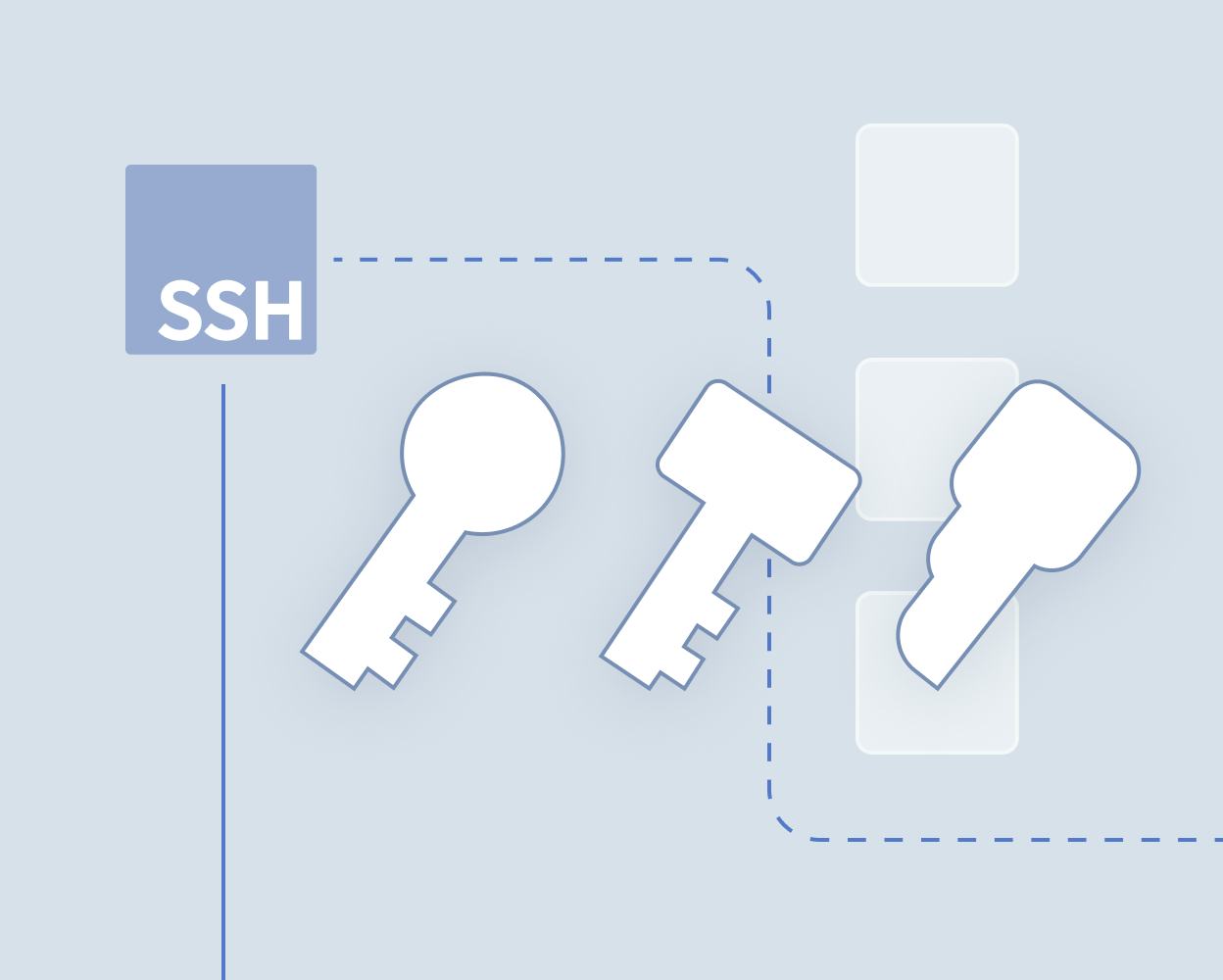
Retire the SSH keys on developer laptops
Replace long-lived SSH keys with certificates that regenerate each day. The keys developers use to push code linger on laptops for months or years, get copied to second machines, and follow people out the door. Nobody rotates them, and GitHub has no way to tell you which of them are still out there.

Tie GitHub identity to your IdP
Connect Okta, Google Workspace, or Microsoft Entra ID and sync each user's GitHub username as a certificate principal. Group membership in your IdP decides who gets a credential. Remove someone in the IdP and their ability to authenticate to your GitHub organization ends with the next renewal, without touching a single repository setting.

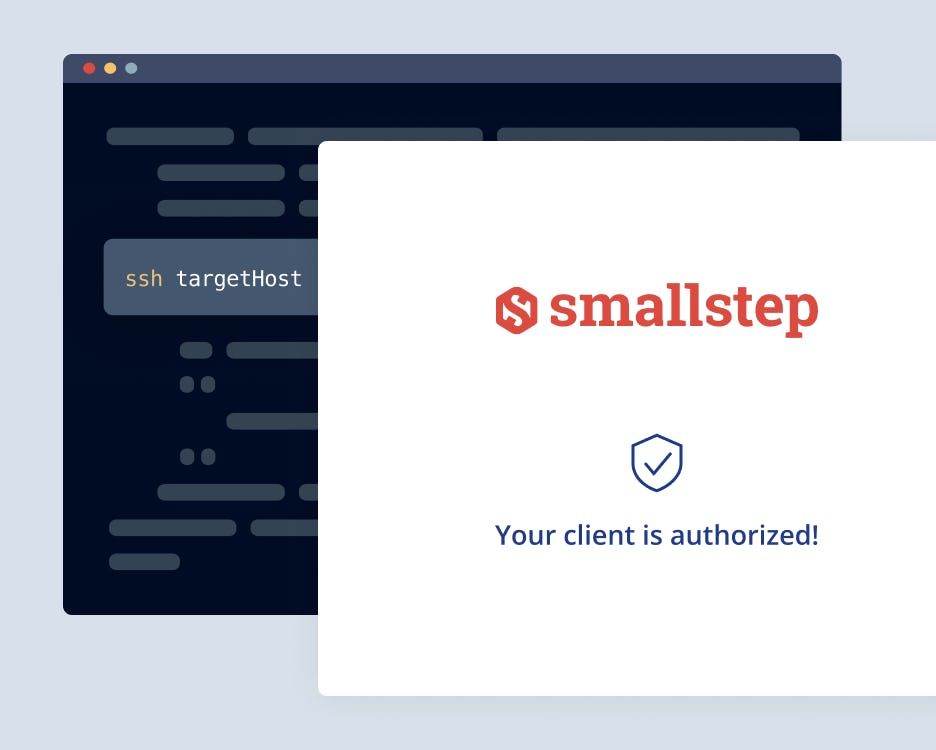
Short-lived certificates instead of permanent keys
Smallstep replaces static keys with certificates that expire and renew every 24 hours. The private key stays in the device's secure hardware and never leaves it, so a certificate copied off a machine is useless on any other one. Renewal happens in the background, and developers keep using the same git commands.

Sign commits with the same hardware key
The key that authenticates the push can also sign the commit. Because it was generated inside the device's TPM or Secure Enclave and cannot be exported, a signature is proof that the commit came from that machine and that person. Add the public key to the developer's GitHub profile as a signing key and GitHub marks the commit Verified.

See which device pushed the code
Every certificate carries a key ID tying the credential to a user and a specific enrolled device. You get one place to answer the questions that come up during an incident or an audit: who has GitHub access right now, which machine they are using, and when that access was last re-established.
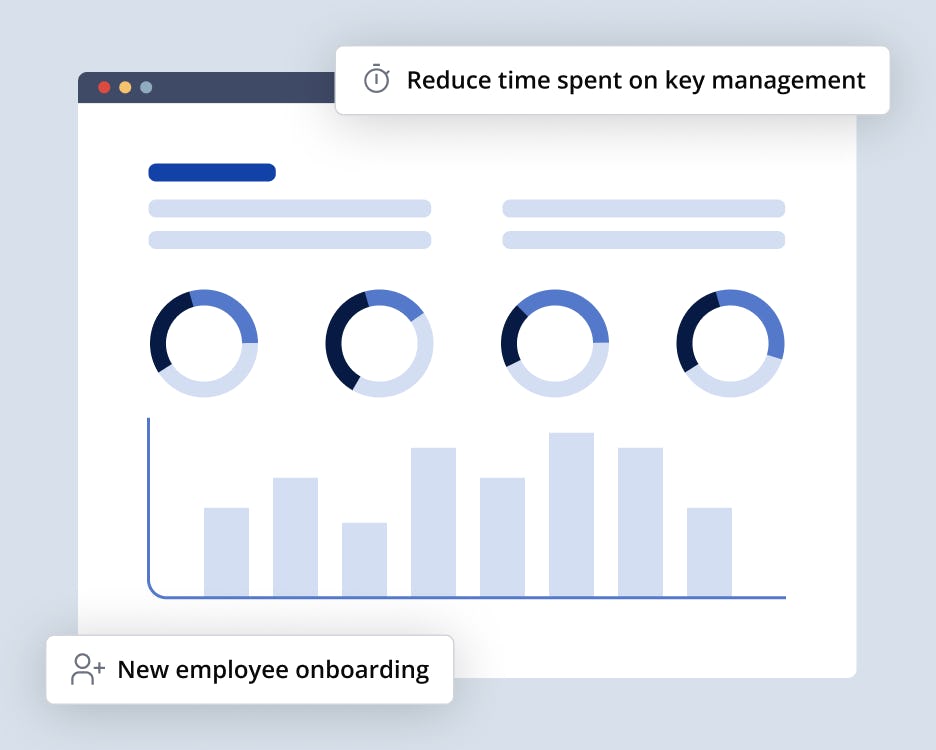
Turn off personal keys entirely
GitHub Enterprise lets you require SSH certificates for all Git access to your organization. Once that setting is on, a personal key on an unmanaged laptop stops working, and there is no shadow path back into your repositories. Migrate your remotes and CI first, then flip it.
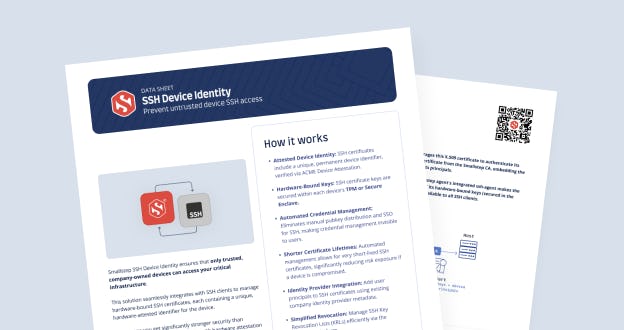
Get the data sheet
Smallstep SSH Device Identity ensures that only trusted, company-owned devices can access your critical infrastructure. This solution seamlessly integrates with SSH clients to manage hardware-bound SSH certificates, each containing a unique, hardware-attested identifier for the device.

Stop unmanaged devices from reaching your source code
Whether you're closing a gap found in an audit, meeting a customer security requirement, or getting personal SSH keys out of your organization, our team can show you how Smallstep secures GitHub access and commit signing.